Support
Create a help request, attach proof, and keep the answer in one thread.
In one sentence
Support gives you a direct place to report a Jarvis problem and follow the answer.
Open Support
Open the user menu, then Support. This option appears only when support is enabled for the workspace and your user has access.
The ticket list can be narrowed to Awaiting you, Open, or Closed. An awaiting count on the user menu tells you when support needs a reply.
Create a useful ticket
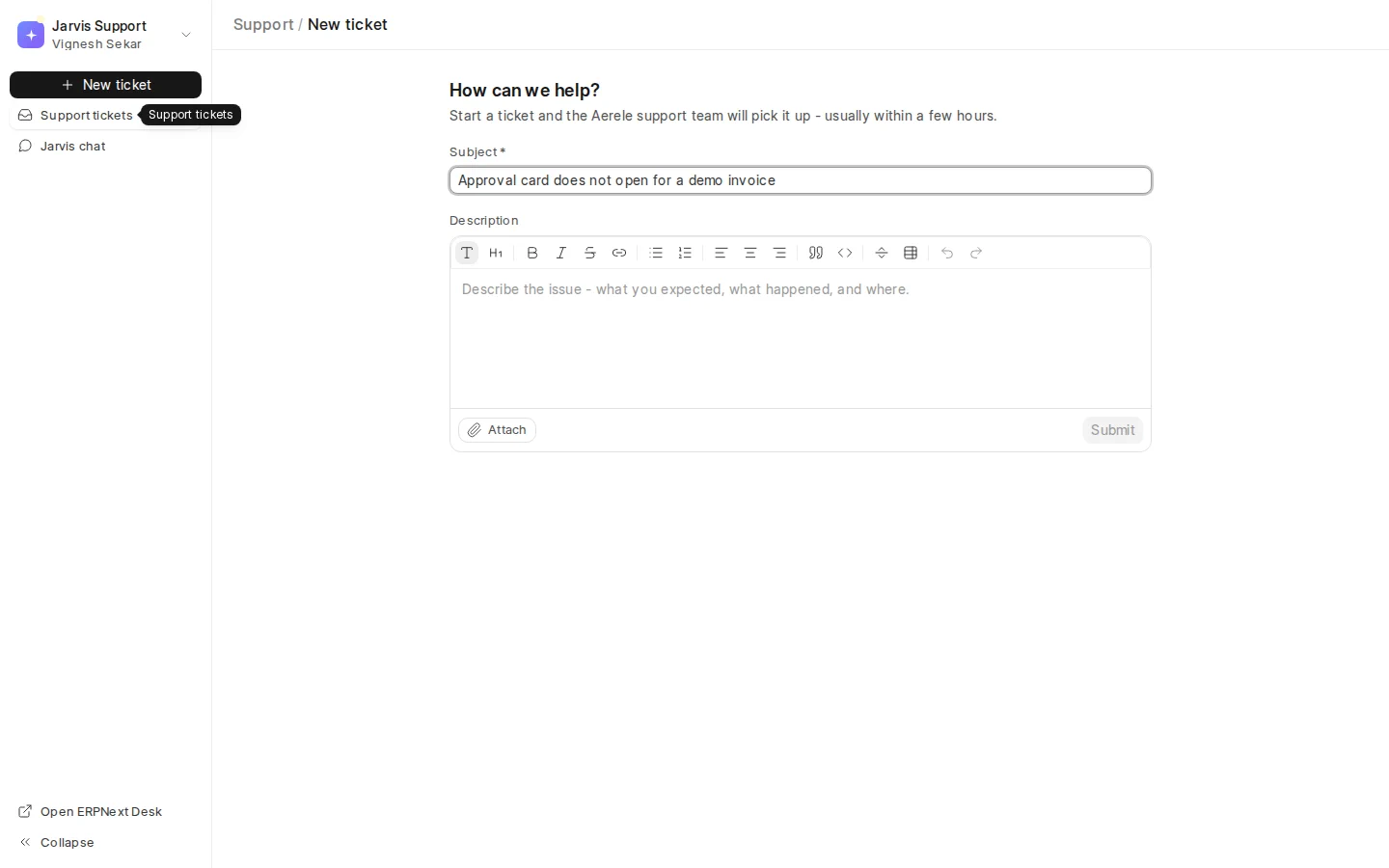
- Choose New ticket.
- Write a short subject that names the broken outcome.
- Say what you expected, what happened, and where.
- Add the time, company, record number, and affected user when relevant.
- Attach a screenshot or file after removing secrets that support does not need.
- Send the ticket and continue in the same thread.
A useful example
Weak subject: “Approval not working.”
Useful subject: “Purchase Invoice approval fails for one user with a storage error.”
Useful detail: the user’s email, the approximate time, the confirmation text, whether other users can approve, and that nothing changed. This lets support begin with the failing boundary instead of asking for the basics.
Follow the thread
Open the ticket to read replies, attach more evidence, and answer questions. Close it only after the original task works again or you have agreed on another solution.
Never paste passwords, private keys, payment details, or full access tokens into a ticket. Support can ask for a safer diagnostic when needed.