File Box
Give incoming bills, statements, and other source files a clear place to enter the work.
In one sentence
File Box is the drop point for documents that should become useful business work.
Use it when
Use File Box for a supplier bill, bank statement, price list, or another source document that arrived as a file. It saves you from retyping the contents before Jarvis can help.
Add a document
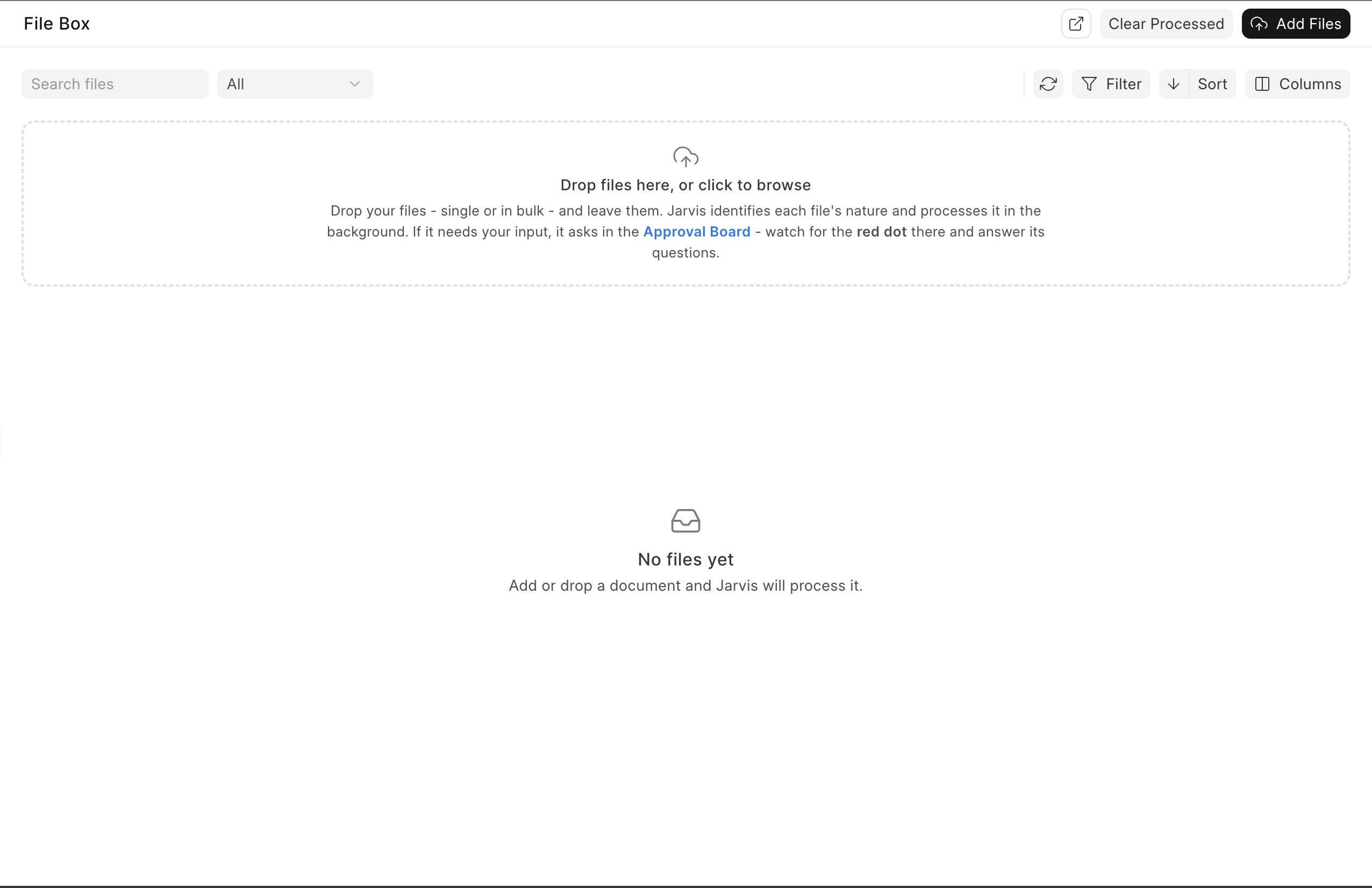
- Open File Box.
- Drag in the file, or choose it from your computer.
- Watch the status while processing continues in the background.
- Open the result or the question Jarvis created.
- Check the original file against any prepared entry.
Start with one document. Once you know how your company’s files are read, drag in a batch.
Read the status
- Processing means Jarvis is still working. You can leave the page and return.
- Needs approval means a draft or question is waiting for a person.
- Done means processing finished. Open the result and keep any evidence your process needs.
- Error means Jarvis could not finish. Open the item before trying the same file again.
Use search, status, and date filters to find a file. Open the preview to compare the source with prepared work. Use Open conversation when you need the reasoning or must answer a question.
What happens next
Jarvis works out what the file contains and prepares the next useful step. A supplier bill may become a draft purchase invoice. A bank statement may become source material for reconciliation.
If Jarvis is unsure, it asks. If the next step changes records, it waits for the safety rule that applies to that action. Watch the Approval Board after adding files.
Clear or delete files
Clear Processed removes completed and error items from the File Box while leaving Processing and Needs approval items alone. Bulk delete can remove the selected file, its processing conversation and messages, and linked approval work. Read the confirmation and retain any required evidence before deleting.
A real example
Meera receives a PDF bill from a packaging supplier. She drops it into File Box. Jarvis reads the supplier, invoice number, date, taxes, and line items, then prepares a draft. Meera compares the draft with the PDF and purchase order before approving it.
The useful result is not “the PDF was read.” The result is a checked draft with the original evidence still available.
A clear scan gives a better result. If the amount, invoice number, or tax line is hard for a person to read, expect Jarvis to need help too.