Chat
Ask about the business, prepare work, and keep the full reasoning in one conversation.
In one sentence
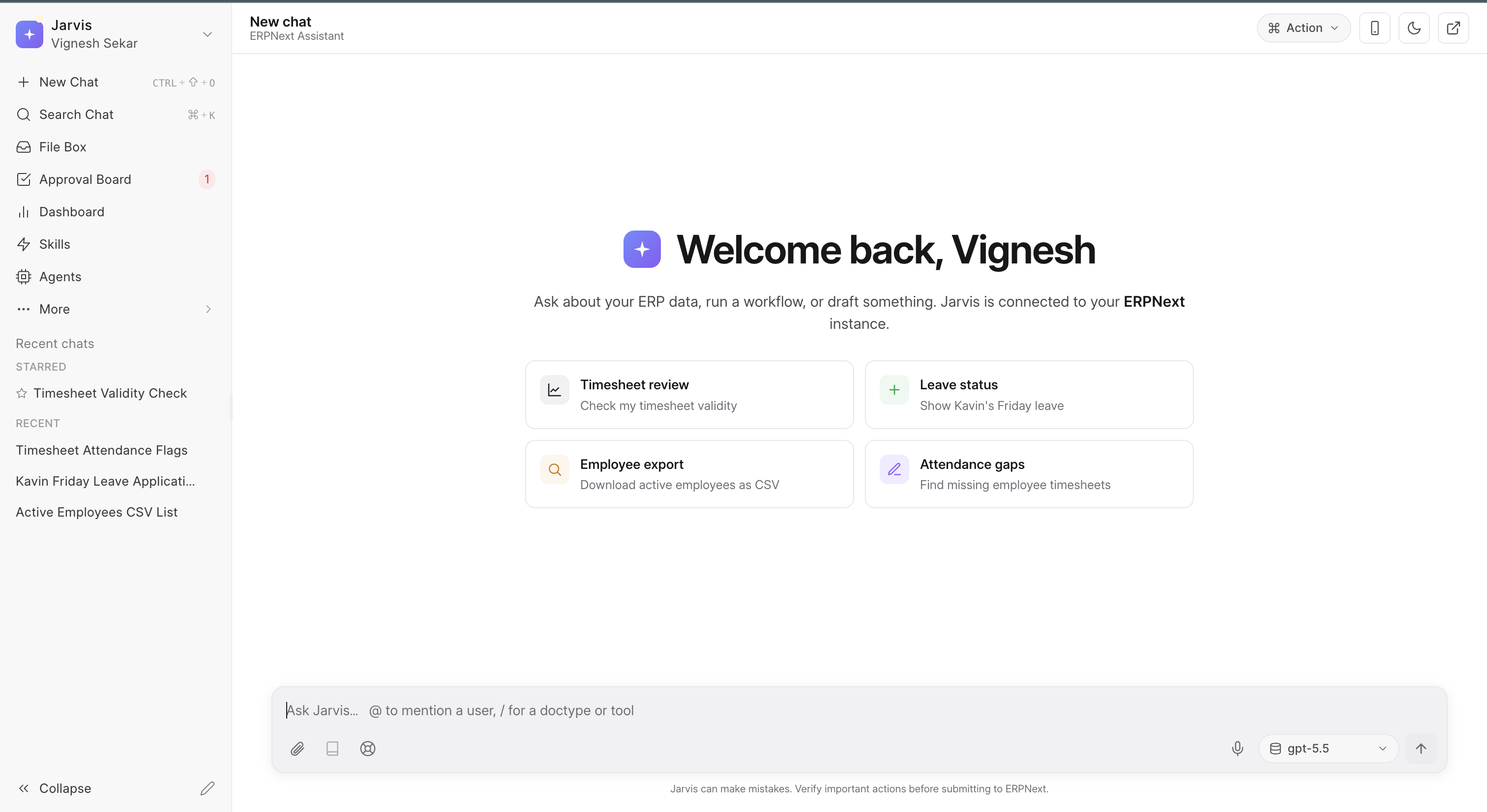
Chat is where you tell Jarvis what you need in normal words and continue until the result is useful.
Use it when
Use Chat for a question, an investigation, a draft, or a task that may change as you learn more. It is especially useful when the work would normally require several reports or screens.
For example, an owner can ask:
Show cash available today, subtract payments due in the next seven days, and list any large receipt we are still waiting for. Show the records behind each total.
That is clearer than asking Jarvis to “analyse cash flow” without saying what decision you need to make.
What is in the message box
- Type
@to bring a person into the message. - Type
/to choose a record type, a Jarvis tool, or one of your Skills. - Attach a file or paste an image when the source matters.
- Use the microphone to speak instead of type when voice is available.
- Leave the model on Auto unless you have a reason to choose one. When available, the effort choice lets you trade a quicker reply for more time spent on a difficult request.
The Jarvis and Jara choices change voice and tone, not access, facts, or safety rules. Choose the style that is easiest for you to work with.
You can stop a long reply. Remove a queued message if it no longer makes sense after the current reply. If a message did not send, use Retry after checking the request. Use Copy on a useful answer when you need it in another document.
Ask a better first question
- Name the decision: “Can we place this purchase today?”
- Give the period: “using cash and payments due through Friday.”
- Name anything to exclude: “ignore the fixed deposit.”
- Ask for the sources: “show the entries behind the total.”
Jarvis can then answer, and you can correct the question without starting over.
Check the answer, not only the wording
Use links in the reply to open the source record or document. A model label on a response tells you which connected model produced it. When Show tool activity is on, you can also see the steps Jarvis took to prepare the answer.
Some replies contain a draft, table, chart, dashboard, or other preview. Read and edit a draft before acting on it. Open a dashboard preview in Dashboards when it should become a view you use again.
When a change is involved
Jarvis may show a confirmation card in the chat or place a draft on the Approval Board. Important actions always wait for a person. Your workspace may allow some simple, reversible changes without another prompt. Read Safety and approvals before changing that setting.
Reuse a good conversation
When a conversation produces a routine you will repeat, choose Save as macro. Jarvis turns the useful steps into a Macro that can run again.
Rename or star a thread you need again. The Conversations guide explains how to find, continue, and delete past work.
Keep one conversation around one outcome. A chat called “Approve July supplier payments” is easier to return to than one chat containing unrelated work from the whole week.