Lists and filters
Find the right work by filtering, sorting, choosing columns, and moving through long lists.
In one sentence
List controls help you turn a crowded queue into the few rows that need attention.
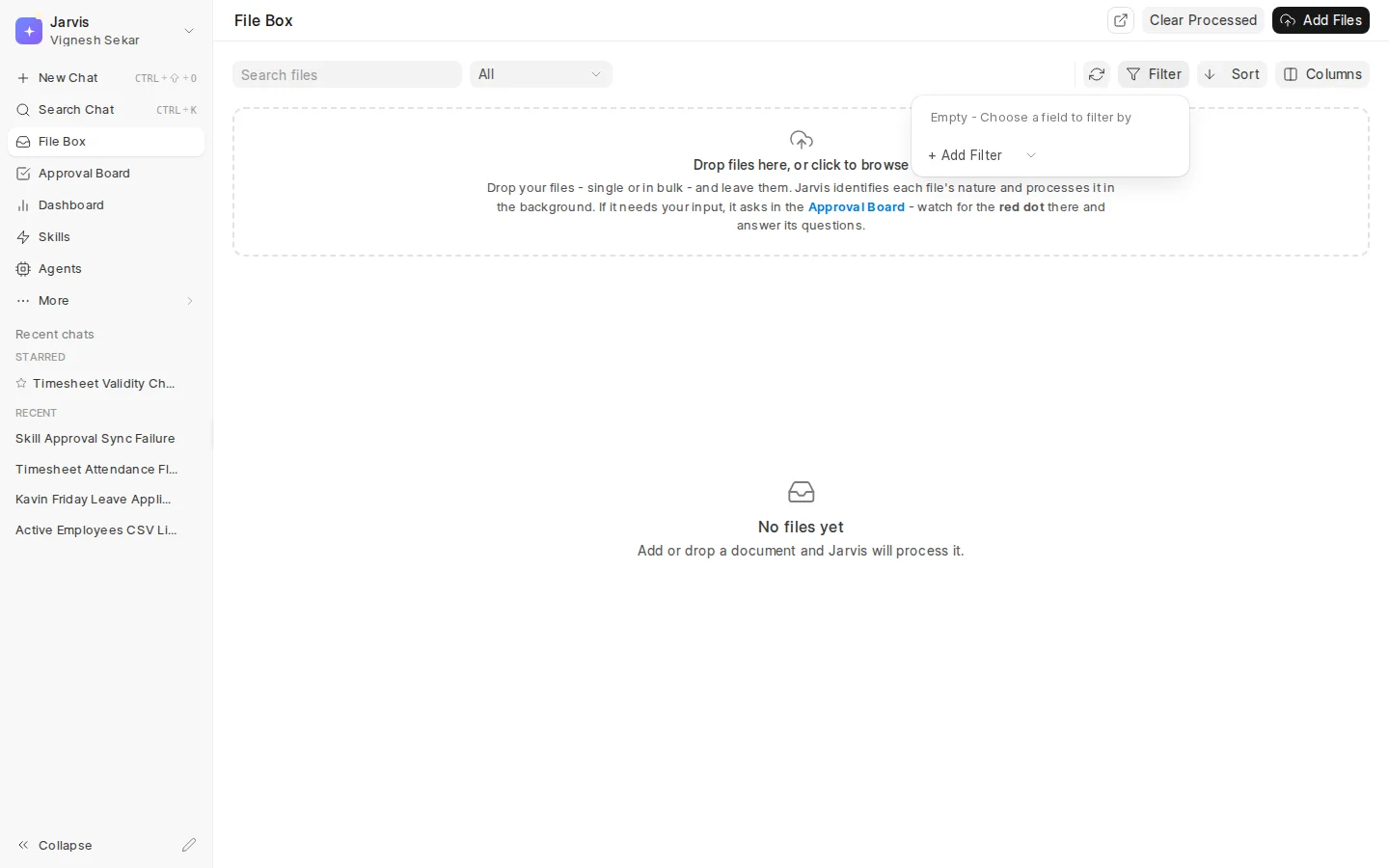
The controls you may see
Jarvis lists can include:
- Quick filters for common choices on that page.
- Filter for the other useful fields available on the list.
- Sort for newest, oldest, name, status, or another supported order.
- Columns for choosing the details shown in each row.
- Refresh for checking work that may have changed.
- Page controls for moving through a long result.
The exact controls depend on the records in that area. Internal identifiers and fields that do not help a person find work may be left out.
Match the field to the question
Choose a customer or supplier from the available names when filtering a linked record. Use contains for part of a subject, description, or other text. Use a date range for work received or changed during a period. Use equals for an exact status.
For example, to find unpaid Acme invoices received this month, use the customer, status, and received-date fields together instead of searching for “Acme unpaid August” in one text box.
When a row seems missing
- Read every active filter, including quick filters.
- Clear the filters and search again.
- Check the current sort and page.
- Refresh the list.
- Confirm that your user can open the underlying record.
Filters narrow what is already available to you. They do not widen your access.
Use columns to support the decision. An approval queue may need party, amount, age, source, and status. More columns are not automatically more useful.
Where to go next
See the Approval Board, File Box, or Search and shortcuts.